For a photo
Upload a clear face image, select a detected face and compare it with the public index. Review sources, domains, variants and similar faces. Share a saved result only when you choose.
Explore face search → Cyber Search MatchFace indexing and visual search.
A single account connects your searches, recordings and conversions. Pick the task you have in mind and the workspace guides you through the next steps.
Create an account and confirm your email, or use an available sign-in option.
Choose a tool, upload your file or record your own voice, then review the settings.
Check task progress, inspect the output and download available files. Return to your history whenever you need it.
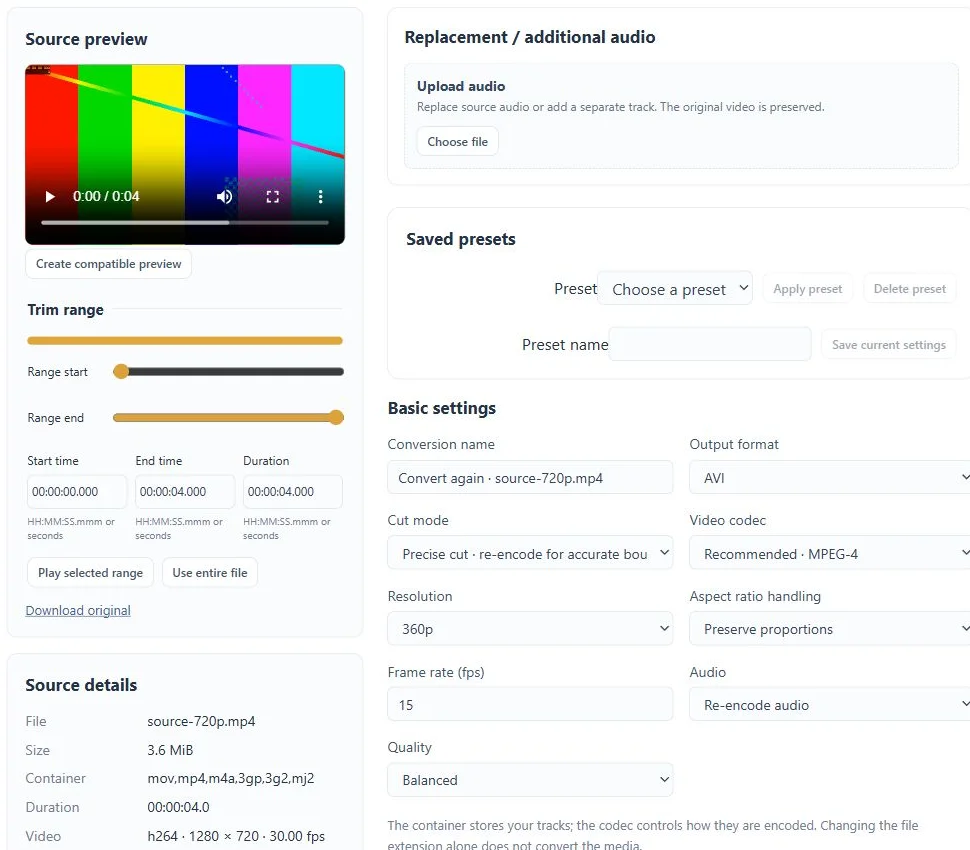
Upload a clear face image, select a detected face and compare it with the public index. Review sources, domains, variants and similar faces. Share a saved result only when you choose.
Explore face search →Choose video or audio analysis, upload the source and review settings. Longer tasks continue in the background. Inspect the timeline and original evidence alongside the report.
Explore analysis →Train your own voice for a conversion, or choose a format and processing settings for your files. Review the task before submitting, then return for playback and downloads.
Explore media tools →Know what you are getting before you start.
A browser workspace for face search, video and audio analysis, voice conversion and media preparation. One account brings the tools and task history together.
Free and Pro currently have the same feature access. Processing, storage and upload limits apply. Pro is an optional $19.99 USD monthly subscription.
No desktop application is required. Upload or record in the browser; longer analysis and conversion tasks continue in the background.
Submitted background tasks continue on the server. Sign back in to check the queue, review results and download available files.
No. Scores show technical or visual similarity. Review the original sources and recording context before drawing conclusions.
No. Tasks and their files are accessed through your account. A face-search result becomes accessible by public link only when you choose to share it.
No card required. Start with a Free account.