Search by photo
Upload a clear, frontal image and select the face you want to search. No name or keyword is required.
 Cyber Search MatchFace indexing and visual search.
Start with a clear photo. Search the public face index, compare matches and follow the original source links.
Try Face SearchAvailable in your workspace · Free account required
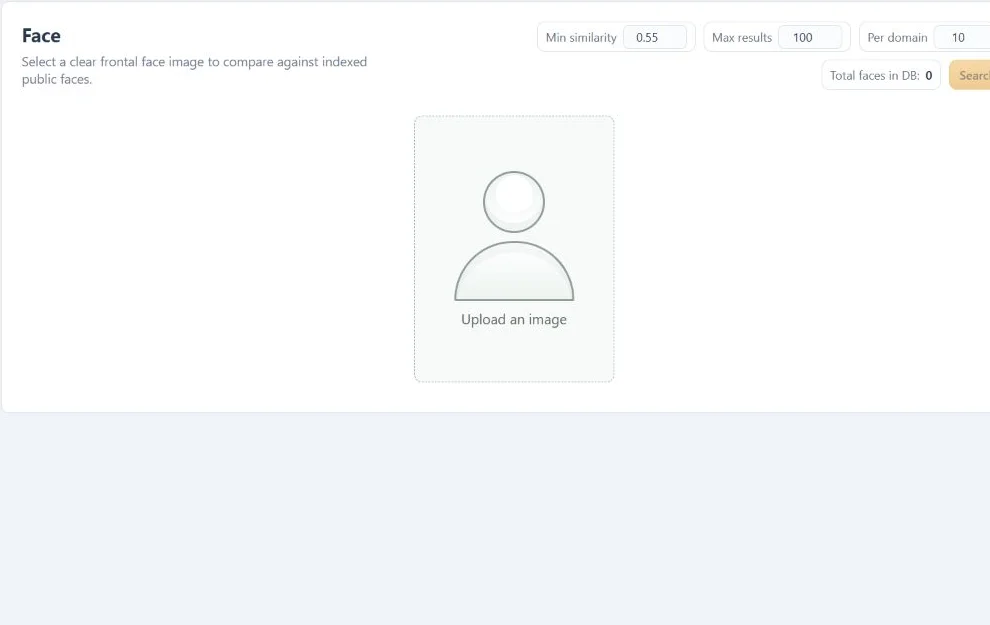
A focused tool, connected to the rest of your media workflow.
Upload a clear, frontal image and select the face you want to search. No name or keyword is required.
Inspect the publishing domain, original page and image behind a result. Grouped variants help you see more without repeating the same card.
Create a public share link when you choose to. A saved search can be viewed by anyone with that link; you can stop sharing.
Know what you are getting before you start.
No. Similarity is a ranking signal, not an identity probability. Review the original image and its context yourself.
The search runs against the project’s indexed public images. An absent result does not mean the photo is absent from the web.
Yes. A separate Similar faces section explores lower-scoring visual matches. Those results can show different people.
No card required. Start with a Free account.