A dedicated preparation step
Keep downloading separate from local-file conversion, with the source workflow and its options in one place.
 Cyber Search MatchFace indexing and visual search.
Use the dedicated YouTube download workflow to prepare an available video for your workspace.
Try Video DownloadAvailable in your workspace · Free account required
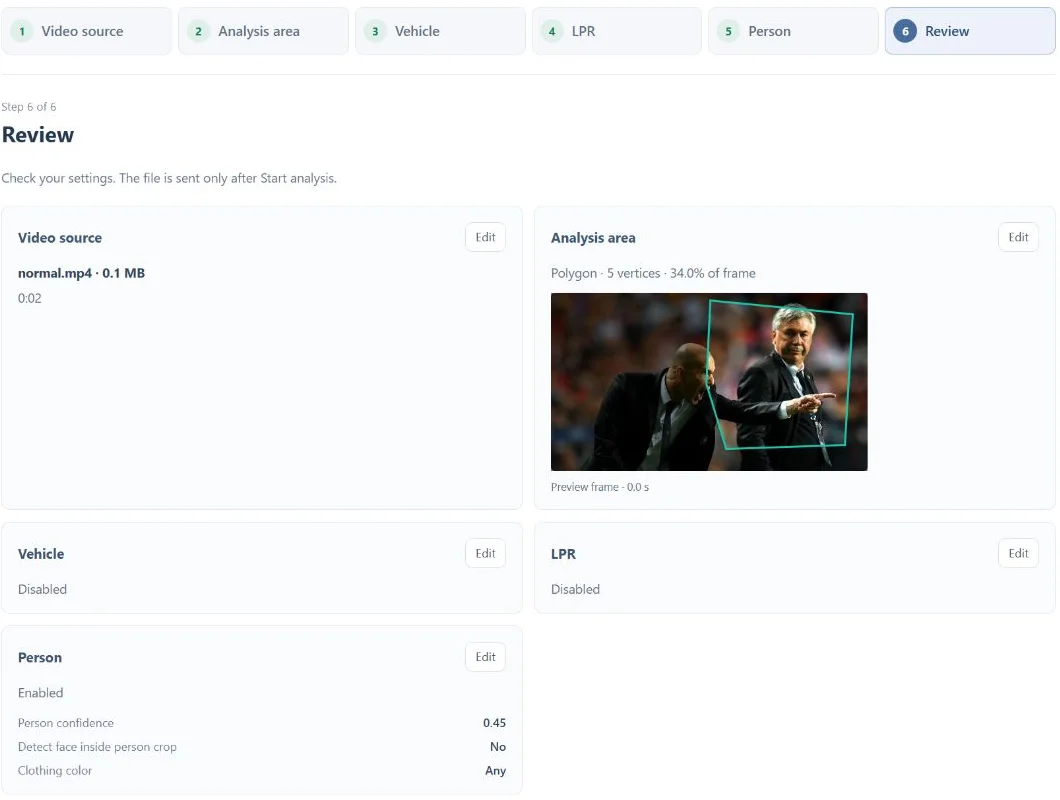
A focused tool, connected to the rest of your media workflow.
Keep downloading separate from local-file conversion, with the source workflow and its options in one place.
Once a permitted source has been prepared, use a local file for analysis or conversion.
Source availability, permissions and provider restrictions can affect whether a download succeeds.
Know what you are getting before you start.
No. Availability and provider restrictions vary. Use only sources you are permitted to download and process.
No. Media Converter works with uploaded local files. Video download is a separate workflow.
Record a sample of your own voice, create a voice model and use it for song conversion or a playful push-to-talk exchange.
Explore voice changer →02 / CreateChoose a trained voice and a song, then listen to the converted mix, vocal and instrumental separately.
Explore ai song covers →03 / CreateConvert video and audio, trim a range, extract sound and combine processing steps in a guided workspace.
Explore media converter →No card required. Start with a Free account.