
Similar faces. Explore the resemblance.
Explore a separate gallery of visually similar faces. Compare lower-scoring candidates, inspect their domains and follow source images without confusing resemblance with identity.
Free account · No card required · Search indexed public images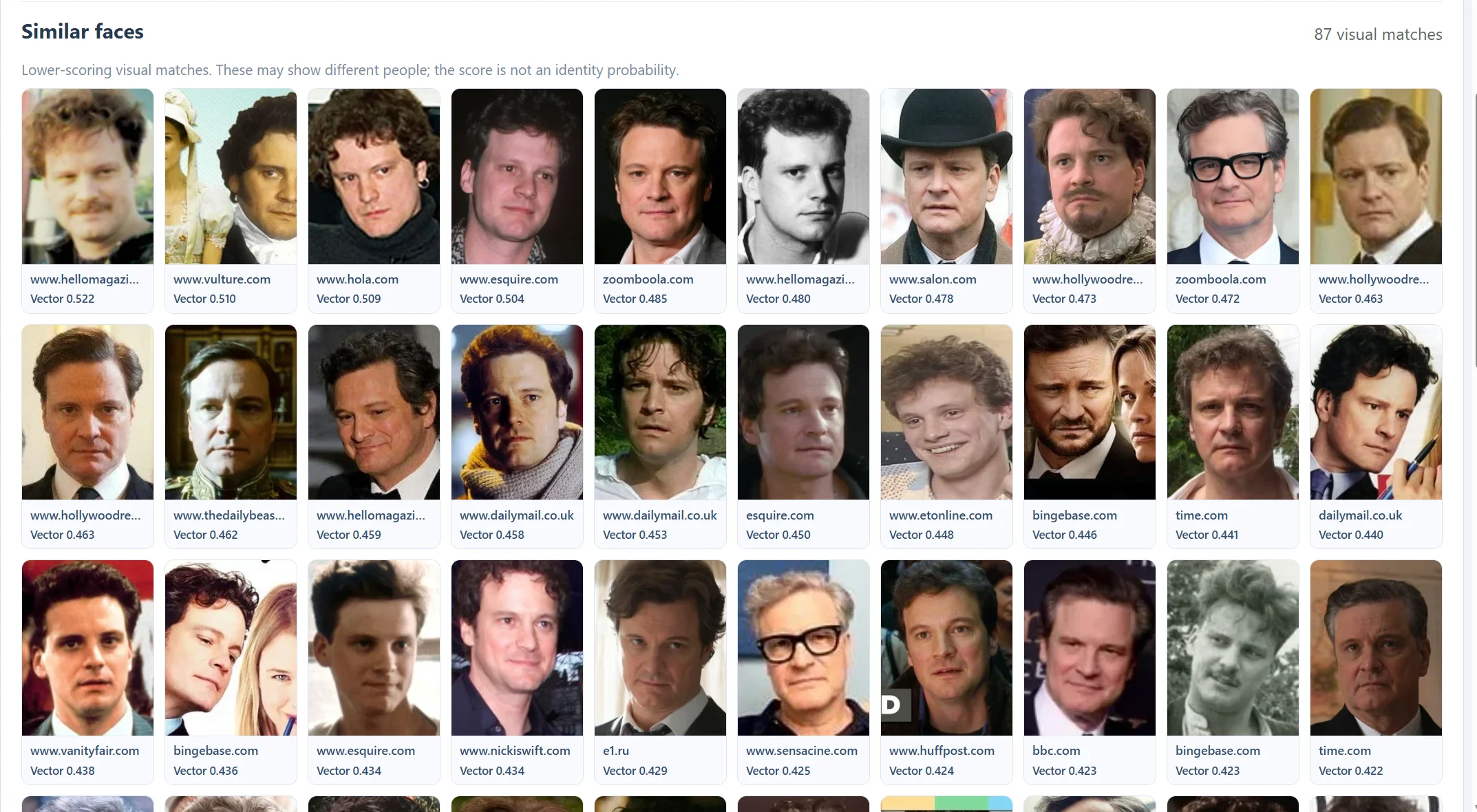
From your photo to its context.
- 01
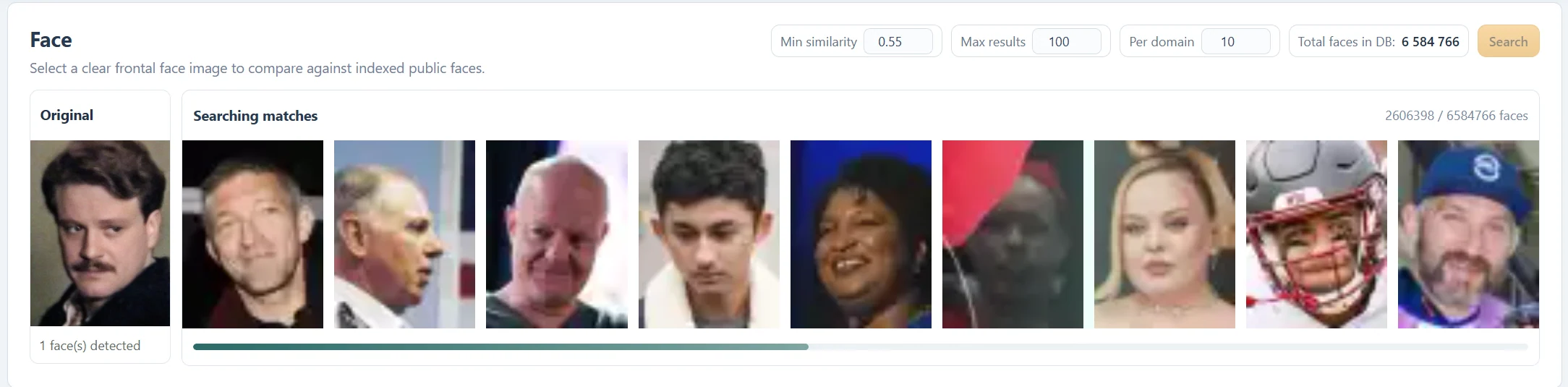
Upload one face
Start in Face Search with a clear, single-face photo.
- 02
Review main Matches
Use the strongest returned candidates as your starting point.
- 03
Scroll to Similar faces
Explore additional candidates labelled with vector scores.
- 04
Open a card
Inspect the source and the Domain / Variants views.
- 05
Check the context
Compare the full image before deciding what the resemblance means.
A broader view of visual resemblance
Sometimes your question is simply which indexed faces look visually similar. Similar faces gives those lower-scoring candidates their own space, so you can explore without presenting them as the strongest matches.
Resemblance can come from facial structure, pose, lighting or image quality. The gallery can include photographs of the same person, unrelated people, or visually misleading candidates. It does not assign a verified identity or measure family relationships.
Why this is different from lowering the minimum score
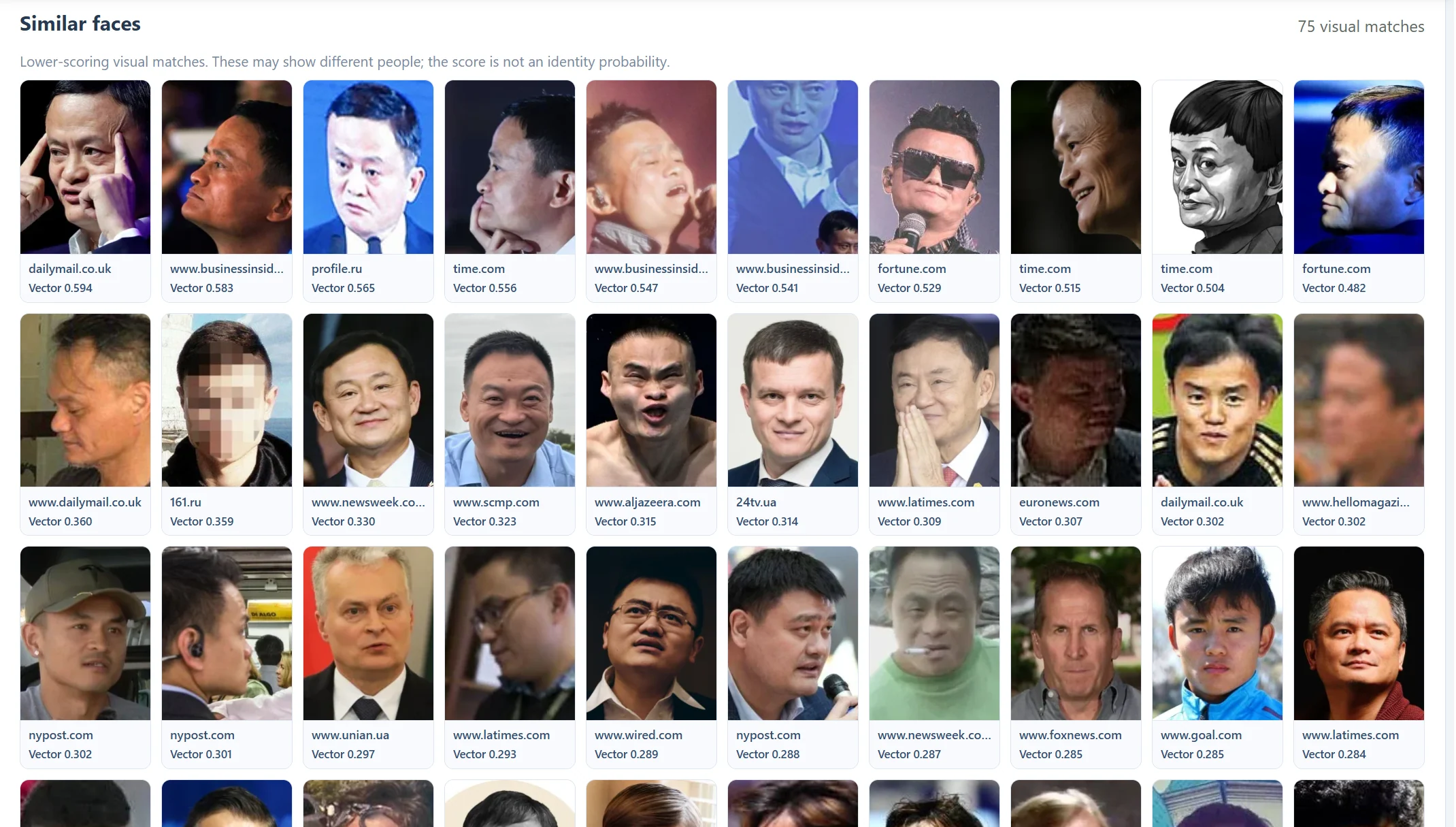
Min similarity filters the main Matches gallery. Similar faces uses a separate retrieval band and diversity selection. Lowering the main threshold does not turn that gallery into an exhaustive list of every weaker result.
The similar gallery returns up to 100 selected candidates when enough are available. It limits repeated candidates and contributions from one domain to keep exploration varied. Its rules are separate from the main Per domain setting, and some searches have fewer results or none.
Read Vector as a comparison, not a verdict
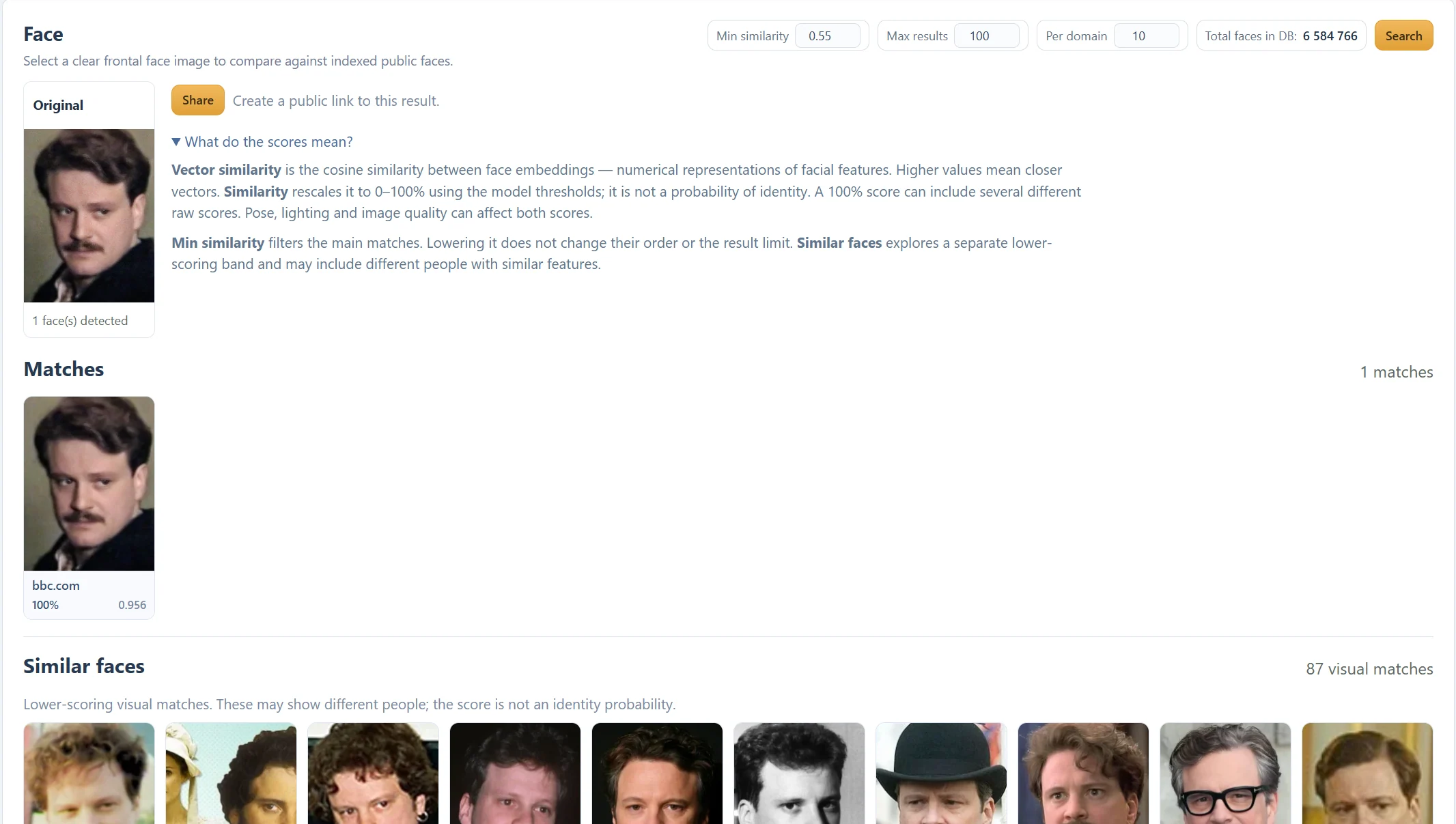
Each similar card shows its raw vector similarity. Higher values mean closer face embeddings within the comparison; they are not percentages of identity. A value such as 0.48 does not mean a 48% chance that two images show the same person.
Open a card to inspect the larger face, source page and original image. Compare Domain and Variants when several source records are available. The dedicated score guide explains why a main-match percentage and a raw vector value can look very different.
Use one search for both galleries
There is no separate photo upload required for Similar faces. Create an account, open Face Search and submit one clear face photo. Review Matches first, then scroll to the additional gallery.
If there are no useful candidates, try another clear photo and check the no-results guide. Search covers indexed public images, rather than a complete catalogue of people or every photograph online.
Questions about this workflow
Are Similar faces results the same person?
They may be, but many can show different people. This gallery is for lower-scoring visual resemblance, not confirmed identity.
Is this a celebrity lookalike or family relationship test?
No. It searches indexed face images and returns visual candidates. It does not classify celebrity resemblance, ancestry or biological relationships.
Why do I get fewer than 100 results?
The index, retrieval band, duplicate filtering and domain diversity rules determine how many candidates are available. One hundred is a maximum.
Does Per domain control this gallery?
The main Per domain setting controls main-match cards. Similar faces uses its own diversity rules.
Can I share the similar gallery?
Yes. Share saves the search result with its main and similar galleries. The public link also includes the query face, so share intentionally.
Make your next search more useful
Face Similarity Scores Explained
Understand Similarity, Vector similarity and Min similarity in CS Match. Learn why 100% is not proof of identity and why a lower threshold may not add results.
Choose the Best Photo for Face Search
Prepare a clear, single-face image for CS Match. Learn how framing, pose, lighting and cropping affect detection and search results.
Fix “No Face Detected”
Troubleshoot face detection in CS Match: check framing, rotation, lighting and multiple faces before changing search settings.
Why Face Search Finds No Results
Understand empty face-search results in CS Match. Check detection, photo quality, thresholds, result limits and public-index coverage.
Face Search: Domains and Variants
Learn what Domain and Variants mean in CS Match results. Compare publishing sites, grouped source records and original images without confusing them with distinct people.
Find the Source Page of a Face Photo
Follow a face-search match to its publishing page. Compare original images and variants, and understand why a found source is not necessarily the first publication.
Make the tools work together.
Face Search Accuracy: How to Evaluate a Result
Judge face-search results using photo quality, indexed coverage, score meaning and source context instead of an unsupported accuracy percentage.
Research Photo Sources: From a Face to a Publishing Page
Prepare a query, inspect matches and variants, and build a source trail without assuming the first match is the original publication.
Your next search starts
with one photo.
Create your free accountNo card required. Start with a Free account.