
Face Search: Domains and Variants
Learn what Domain and Variants mean in CS Match results. Compare publishing sites, grouped source records and original images without confusing them with distinct people.
Updated · Cyber Search MatchDomain shows returned faces from the selected publishing site. Variants shows recorded page and image sources for the selected face. These are ways to inspect the current result, not counts of unique people or a search of every page on that site.
Start by opening a result card
Select the image or caption on a Matches or Similar faces card. The details view shows a larger face, both scores and source links. Switch between Domain and Variants to understand why a face appears in the gallery and where its source records lead.
The gallery domain is based on the publishing page. The original image can be hosted on a separate image server or CDN, so the page domain and image hostname do not have to be identical.
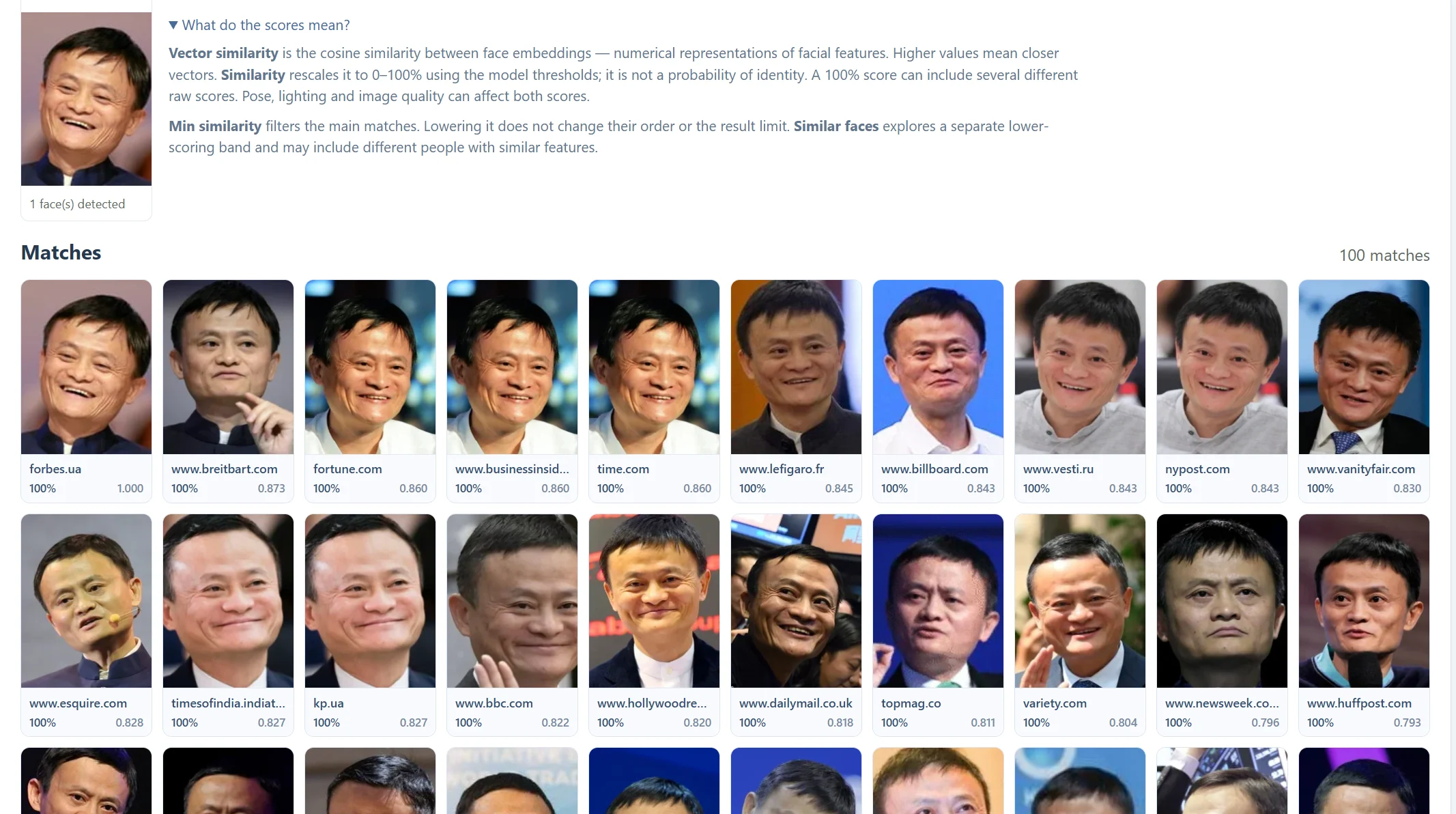
Domain: compare returned faces from one site
The Domain view groups faces from the same normalized domain within the gallery you opened. A leading www. is treated as the same domain for this grouping. Other hostnames or subdomains may still form separate groups.
This view is limited to the current returned results. It does not perform a new exhaustive site search. Per domain limits the number of main-match cards contributed by a domain, so increasing that setting can change how many main results are available to inspect. Similar faces applies separate diversity rules.
Variants: inspect the selected face’s sources
The Variants view lists page and image source records attached to the selected face. Repeated page-and-image pairs are collapsed in the display. The thumbnail can therefore stay the same while several publication URLs are available.
A variant is a stored source relationship, not necessarily a visually different crop. It is also not proof that a publisher copied another publisher, or that two records refer to independent photographs. Open the URLs and compare the surrounding content.
| View or link | What it gives you |
|---|---|
| Domain | Other returned face cards from the same normalized publishing domain. |
| Variants | Recorded page/image source pairs for this selected face. |
| Domain-named source link | The publication page, where available. |
| Original image | The image URL, which may live on a CDN. |
| Download | The available face crop, rather than a copy of the whole publication page. |
Compare the context, not just the count
Read captions, nearby text and visible publication information on each source page. A high count can reflect repeated appearances of one image, while a single useful source may contain more context than many duplicates.
Source pages and image URLs can move, redirect or disappear after indexing. If a page is unavailable, check another recorded variant. The source-finding guide explains how to distinguish a current publication from the earliest or original publication.
Questions about this workflow
Does Domain show every face on that website?
No. It groups the faces returned in the current gallery.
Are Variants always different photos?
No. They are source records for the selected face and can point to repeated uses of the same image.
Continue with the next useful step
Find the Source Page of a Face Photo
Follow a face-search match to its publishing page. Compare original images and variants, and understand why a found source is not necessarily the first publication.
Face Similarity Scores Explained
Understand Similarity, Vector similarity and Min similarity in CS Match. Learn why 100% is not proof of identity and why a lower threshold may not add results.
Why Face Search Finds No Results
Understand empty face-search results in CS Match. Check detection, photo quality, thresholds, result limits and public-index coverage.