Pick the right track
See available audio tracks and select the language or stream you want to extract.
 Cyber Search MatchFace indexing and visual search.
Extract an audio track from your video, select a time range and download it in a compatible audio format.
Try Extract AudioAvailable in your workspace · Free account required
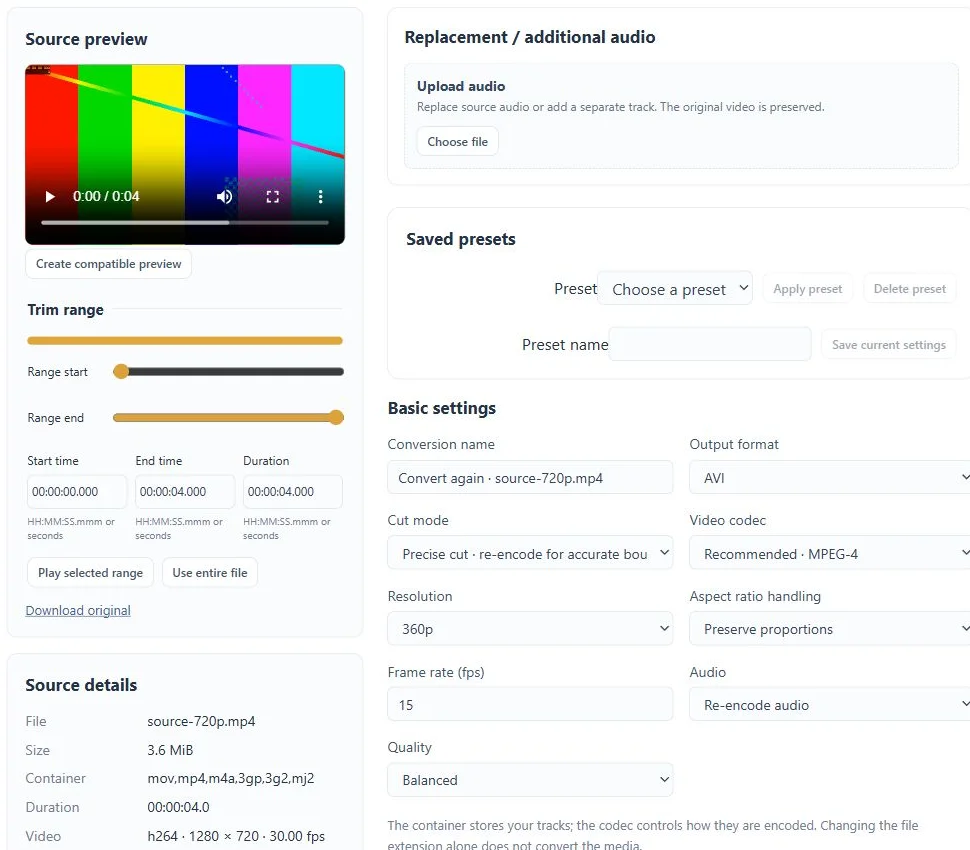
A focused tool, connected to the rest of your media workflow.
See available audio tracks and select the language or stream you want to extract.
Choose start and end times so the output contains the portion you need.
Export to MP3, WAV, FLAC, M4A or another compatible profile. Copy an original audio stream where the format allows it.
Know what you are getting before you start.
The source inspection shows that no audio stream is available, and extraction is blocked with an explanation.
Stream copy is available for compatible source and output combinations. Otherwise choose an encoded output profile.
Record a sample of your own voice, create a voice model and use it for song conversion or a playful push-to-talk exchange.
Explore voice changer →02 / CreateChoose a trained voice and a song, then listen to the converted mix, vocal and instrumental separately.
Explore ai song covers →03 / CreateConvert video and audio, trim a range, extract sound and combine processing steps in a guided workspace.
Explore media converter →No card required. Start with a Free account.