Follow the object
Grouped vehicle and person tracks bring observations together over time, with snapshots and representative crops.
 Cyber Search MatchFace indexing and visual search.
Find people and vehicles, follow object tracks, review plate readings and move from the overview to a useful frame.
Try Video AnalysisAvailable in your workspace · Free account required
A focused tool, connected to the rest of your media workflow.
Grouped vehicle and person tracks bring observations together over time, with snapshots and representative crops.
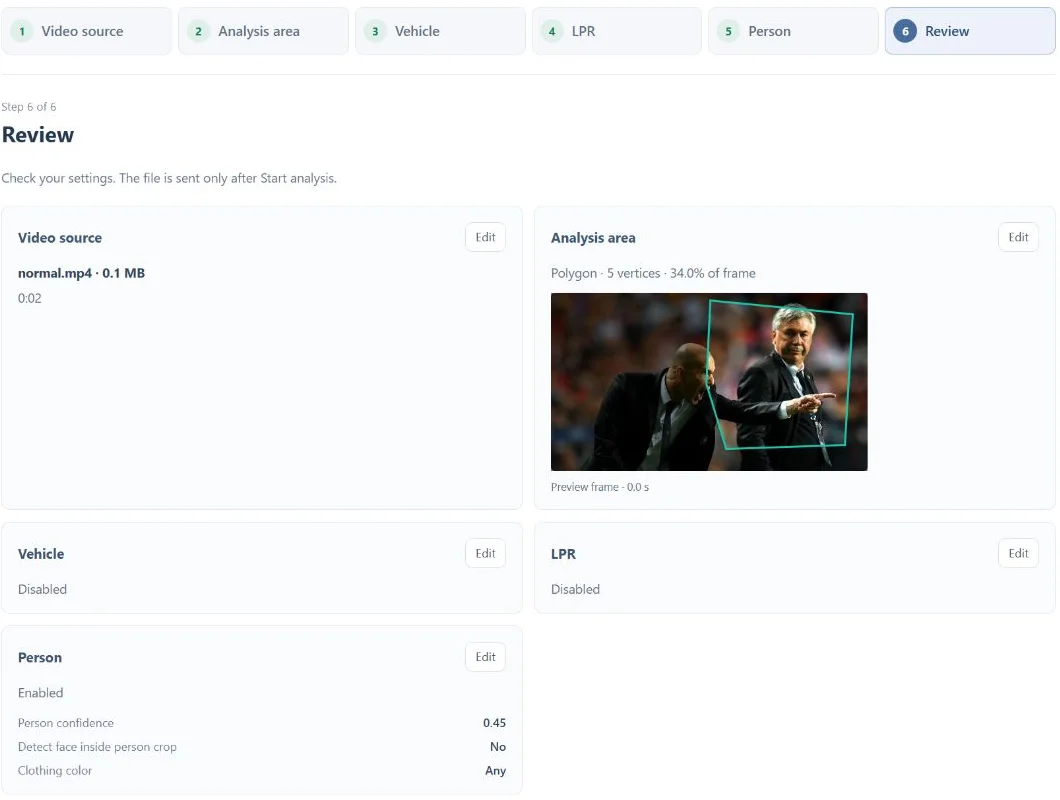
Choose detection modes, frame sampling and an area of interest before starting a background task.
Review timestamps, plate readings and face observations. Open a frame at full resolution when you need a closer look.
Know what you are getting before you start.
This workflow analyzes submitted video tasks. It does not promise continuous live surveillance or real-time alerts.
No. Motion, resolution, lighting and angle affect recognition. Check the original crop before relying on an OCR reading.
Yes. Processing continues on the server. Return to the task to review its status and available results.
No card required. Start with a Free account.