
How to Share a Face Search and Stop Sharing It
Create a public link to a saved face-search result, understand what recipients see and revoke the link when you are finished.
Updated · Cyber Search MatchShare creates a public link to a saved result. Anyone with that link can view it, including the query face and saved matches. Use Stop sharing in the active result’s share controls to disable the link when you no longer need it.
Review the saved content first.
Check the query photo, match gallery and source context before clicking Share. The link is a publication choice: it exposes a saved result to people who have the URL, rather than inviting named recipients into a private workspace.
Only share photos and result context you are entitled to disclose. A result score does not establish identity, and a public gallery can contain unrelated people in Similar faces. Explain the uncertainty when discussing it with someone else.
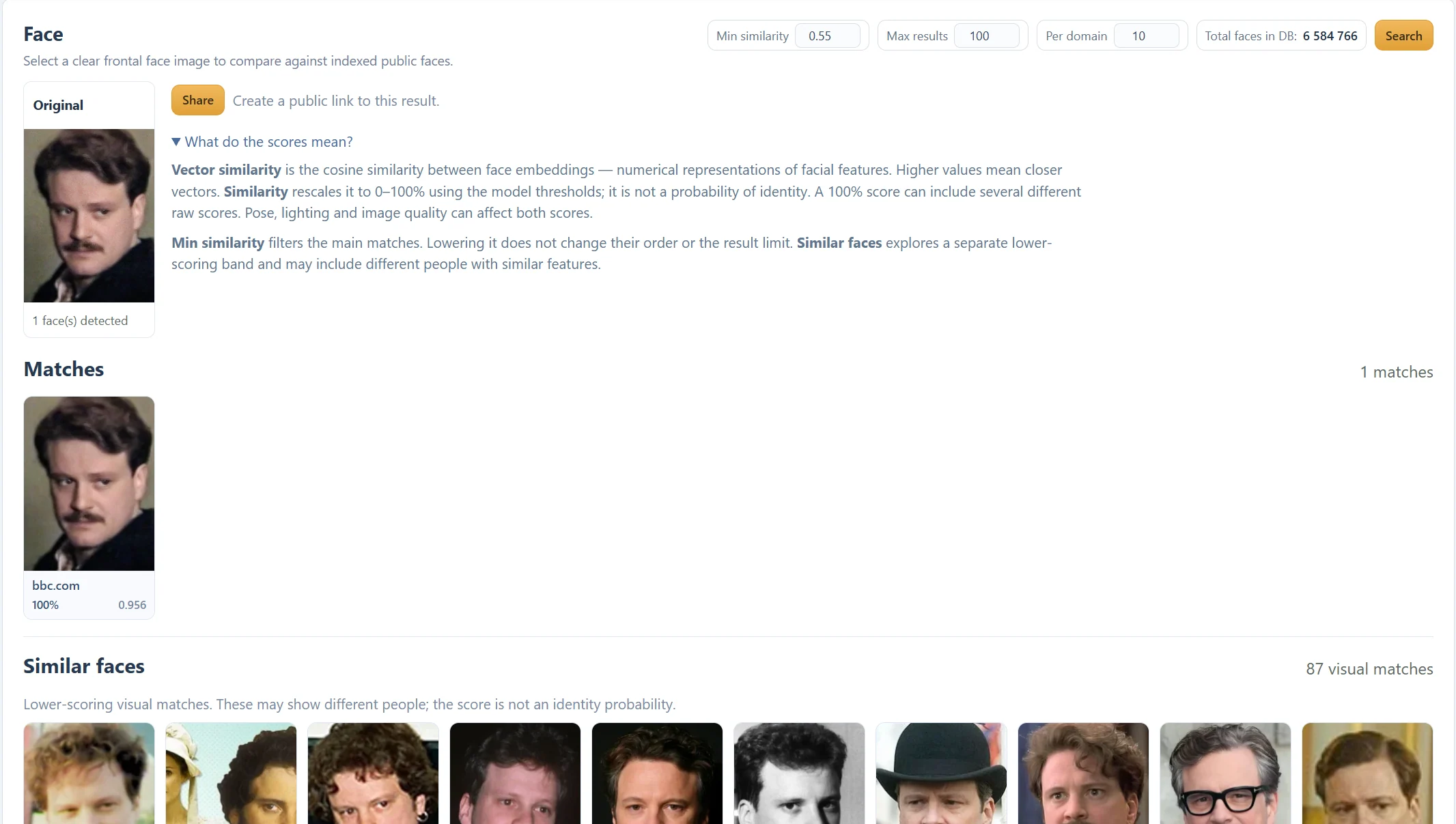
Create and check the public link.
Run the search and wait for its result. Click Share. The controls then show Public search link, Copy link, Open and Stop sharing. If clipboard access is unavailable, select and copy the displayed URL manually.
Open the link to check the saved query and results before distributing it. The saved page is a snapshot, not a fresh search each time a recipient opens it. It does not grant access to your other tasks or account settings.
- Check the query image and matched sources.
- Click Share and copy the displayed link.
- Use Open to inspect the public snapshot.
- Distribute it only to the intended audience.
Stop sharing while the controls are available.
In the active result’s share controls, click Stop sharing and wait for confirmation that the public link is disabled. That URL should then become unavailable. Link revocation does not remove copies, screenshots or downloads someone has already kept.
The current interface does not offer a separate dashboard listing all previously shared searches. Keep the active result open while managing its link. If you have lost those controls and need a link removed, contact support with the public URL; do not send account credentials.
Distinguish the shared result from the original publication.
A share URL points to the saved CS Match result. Domain and source links point to third-party publishing pages. Stopping a CS Match share does not delete the original photograph from the publisher’s website.
To research the publication, inspect its page, date, caption and credited source yourself. For removal from a third-party site, use that publisher’s process. A search result or shared snapshot cannot establish the first publication date on its own.
Before you finish
- The query and saved gallery are suitable for public-link access.
- The recipient understands that scores are not identity proof.
- The link was revoked when no longer needed, while controls were available.
Questions about this workflow
Can I choose exactly who opens the share link?
The current share is public by link, not a named-recipient permission system. Anyone who obtains it can view the saved result.
Does Stop sharing erase recipients’ copies?
No. It disables access through that link; it cannot retract screenshots or copies already made.