
Separated Vocals and Instrumental: Read the Song Outputs
Understand the final mix, original vocal stem and instrumental stem produced by a completed song conversion.
Updated · Cyber Search MatchA completed song job provides three players: Final mix, Separated vocals and Instrumental. Separated vocals contains the original source singing before voice conversion.
Three players answer different questions.
Final mix is the converted vocal combined with the instrumental and is downloadable as MP3. Separated vocals is the estimated original vocal stem, downloadable as WAV. Instrumental is the estimated backing track, also downloadable as WAV.
The original separated vocal is not a solo export of your converted voice. The current interface does not expose the internal converted vocal as a separate download. Keep that distinction in mind when planning an external remix.
| Output | Content | Current download |
|---|---|---|
| Final mix | Converted singing plus instrumental | MP3 |
| Separated vocals | Original singing estimated from the source | WAV |
| Instrumental | Backing track estimated from the source | WAV |
Listen for leakage and missing detail.
Source separation estimates which parts of a mixed recording belong to vocals and accompaniment. Backing vocals, reverb and instruments sharing frequencies with the voice may leak into the vocal stem. Some vocal detail can remain in the instrumental.
If an artifact is audible in the separated original vocal, it may affect conversion too. Listen to the same passage in the source, separated vocal and final mix. A cleaner source can help more than repeatedly submitting the same damaged recording.
Inspect the parts in your account.
Wait for the song task to finish, then find its three players in Your tracks & training. Play one at a time and seek to the same musical passage for comparison. Downloads belong to the signed-in task owner and are not public audio examples.
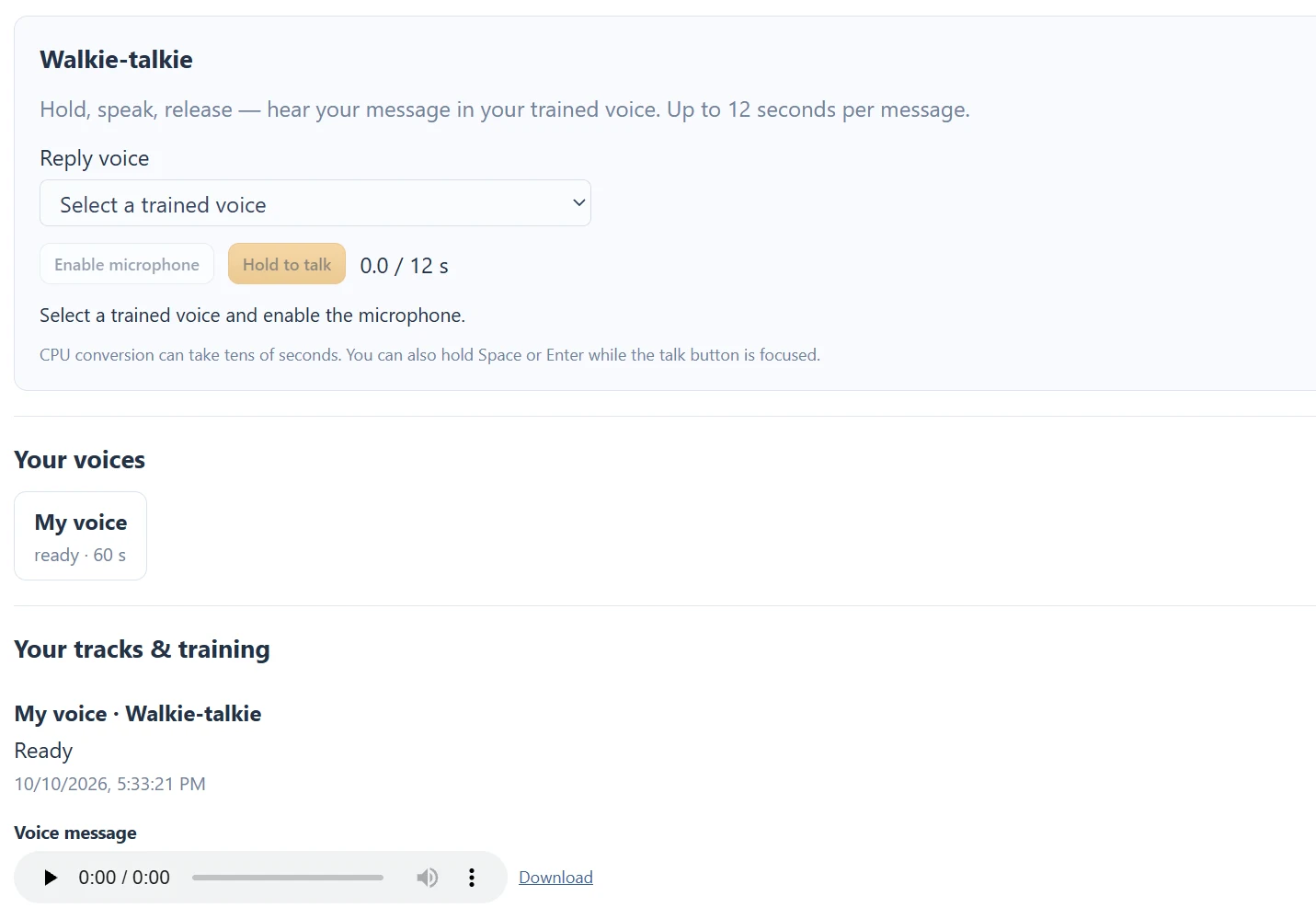
The supplied walkthrough screenshot shows the voice workspace and a short message result. A message has only its converted reply, whereas a completed song has all three song players. Use the output labels to tell those task types apart.
Questions about this workflow
Does the Instrumental guarantee no vocals?
No. Separation can leave vocal remnants and remove some instrumental detail. Check the recording by listening.
Continue with the next useful step
Song Conversion Levels: Recording, Playback and Mix
Distinguish microphone gain, player volume and the fixed vocal/instrumental mix used for song conversion.
Voice Conversion vs Text-to-Speech
Choose between changing recorded sound, generating speech from text and transcribing a recording.
Voice Tools Permissions: Microphone, Samples and Songs
Understand microphone access, the own-voice training confirmation, song permissions and account-only outputs.