
Voice Conversion vs Text-to-Speech
Choose between changing recorded sound, generating speech from text and transcribing a recording.
Updated · Cyber Search MatchVoice conversion starts with recorded sound. Text-to-speech starts with written text. The current CS Match voice workspace converts song vocals and short recorded messages; it has no text-to-speech input.
Start with the input you actually have.
A conversion uses an existing performance: words, timing and singing come from the source recording, while the trained model changes aspects of the vocal sound. It is not a script editor or a way to request new lyrics.
Text-to-speech generates spoken audio from typed text. Transcription goes the other direction, estimating words from a recording. These intents need different tools; a page about voice changing should not promise all three.
| Intent | Input → output | Current CS Match route |
|---|---|---|
| Voice conversion | Recorded singing or short speech → changed audio | AI Song Covers or Walkie-talkie |
| Transcription | Recorded speech → transcript | Audio Analysis |
| Text-to-speech | Typed script → generated speech | Not available in this voice workspace |
Match the route to the performance.
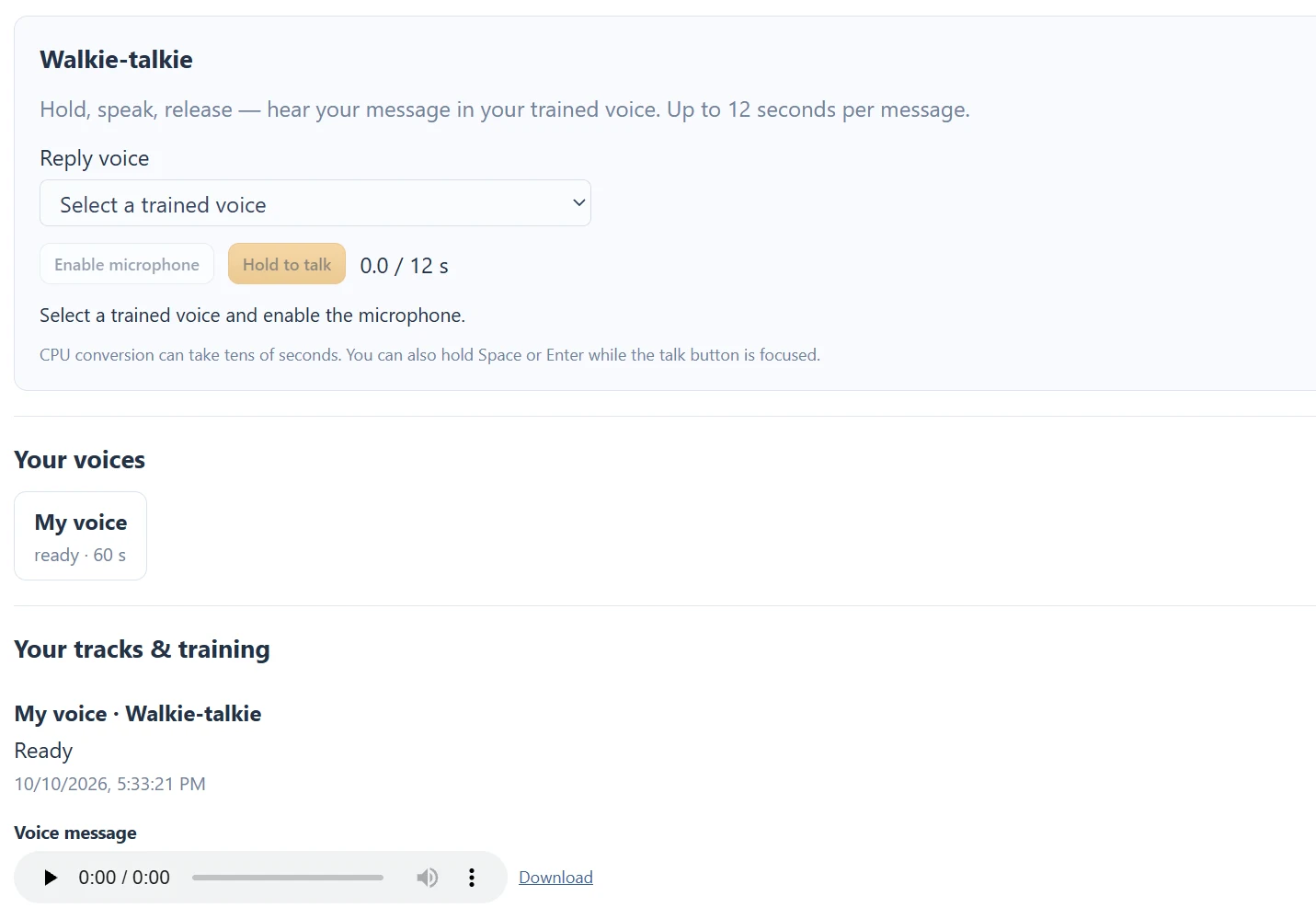
For a song, supply a recording you can process and choose a ready own-voice model. For a short phrase, use Walkie-talkie: hold, speak, release, wait and listen. A source recording is needed in both cases.
Walkie-talkie is asynchronous. It does not continuously transform your microphone for Discord, gaming or a phone call. A virtual microphone, live chat plugin and instant response are not part of this workflow.
If you need the words instead.
Choose Audio to Text or Video to Text when the goal is to read recorded speech. That is a separate Audio Analysis report, not a voice model task. Its current wizard requires both an analysis source and a reference voice sample.
Changing the sound of a voice does not verify identity, grant permission to impersonate someone or determine whether a recording is authentic. Keep the purpose and provenance of a transformed recording clear when sharing it.
Questions about this workflow
Can I type a sentence to hear it in my model?
Not in the current voice workspace. Record the sentence as a short message, then convert it after release.
Continue with the next useful step
Separated Vocals and Instrumental: Read the Song Outputs
Understand the final mix, original vocal stem and instrumental stem produced by a completed song conversion.
Voice Training Queued: Progress, Waiting and Failures
Understand queued training, background processing, ready models and what to do when a voice task fails.
Voice Tools Permissions: Microphone, Samples and Songs
Understand microphone access, the own-voice training confirmation, song permissions and account-only outputs.