
Voice Training Queued: Progress, Waiting and Failures
Understand queued training, background processing, ready models and what to do when a voice task fails.
Updated · Cyber Search MatchQueued means the task has been accepted and is waiting for processing. A voice becomes selectable only after training finishes and the model shows ready.
Read the task and model states together.
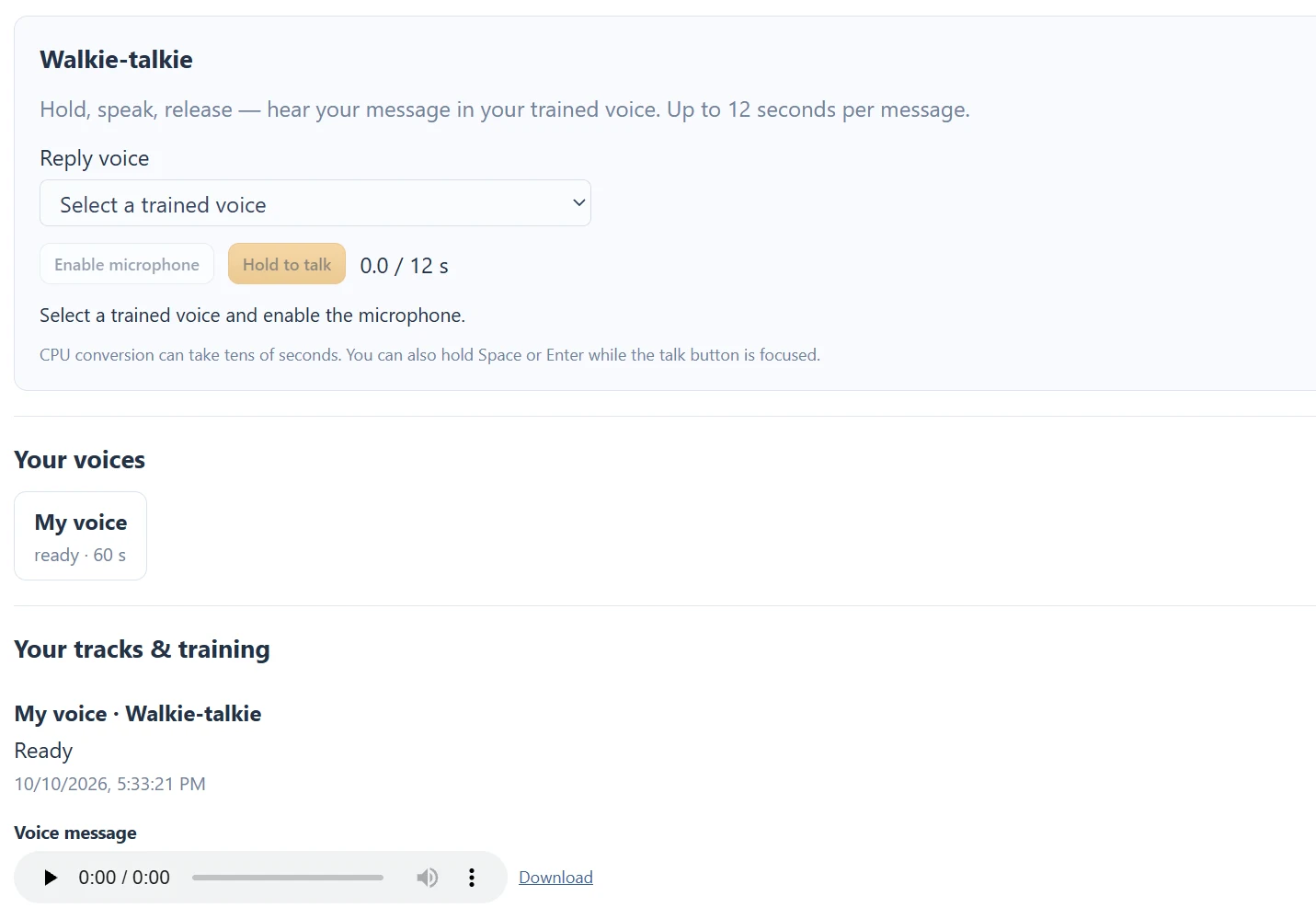
Your tracks & training lists the submitted task, stage and progress. Your voices lists the model status. Training prepares audio and learns from your sample before the model becomes ready; upload completion is not training completion.
CPU training can take tens of minutes. An estimated remaining time may appear as training progresses, but it is an estimate rather than a deadline. A wait depends on the sample and processing load, so avoid submitting duplicate training jobs merely because the percentage has not moved recently.
| State | Next step |
|---|---|
| queued | Wait for the job to start; avoid duplicate submission. |
| running | Follow the current stage and progress. |
| ready model / done job | Select the model for a song or message. |
| failed | Read the error and check the source before trying again. |
Leave after submission, not during capture.
Keep the page open while recording, preparing the browser sample and uploading. Once the task is submitted, processing continues when you leave. Sign back in and return to Your tracks & training for the latest state.
The current account can keep five voice models and is limited to three queued or running voice jobs at submission to the music/training workflow. Walkie-talkie allows one pending message per user. Availability can also depend on the service being ready.
Fix a source problem before trying again.
Check that the sample is your own clear voice, at least 1 minute and no more than 15 minutes, within 100 MB and decodable. Silence, corruption, other speakers or heavily distorted audio are reasons to prepare a better recording rather than resubmit unchanged.
If a task remains unexplained or the service stays unavailable, contact support with its approximate submission time, model name and the visible error. Do not post private recordings or account credentials publicly to troubleshoot it.
Questions about this workflow
Does 100% mean the model is usable?
Use the completed job and ready model state together. Do not select a model still marked queued, training or failed.
Continue with the next useful step
How to Record a Useful Voice Model Sample
Prepare a clean own-voice recording: duration, room, microphone distance, speech and singing before training.
Voice Conversion vs Text-to-Speech
Choose between changing recorded sound, generating speech from text and transcribing a recording.
Voice Tools Permissions: Microphone, Samples and Songs
Understand microphone access, the own-voice training confirmation, song permissions and account-only outputs.