
Song Conversion Levels: Recording, Playback and Mix
Distinguish microphone gain, player volume and the fixed vocal/instrumental mix used for song conversion.
Updated · Cyber Search MatchThe current song converter uses a fixed mix. Separate vocal and instrumental remix sliders are not available. Changing player volume does not change the downloaded MP3.
Three levels with three different effects.
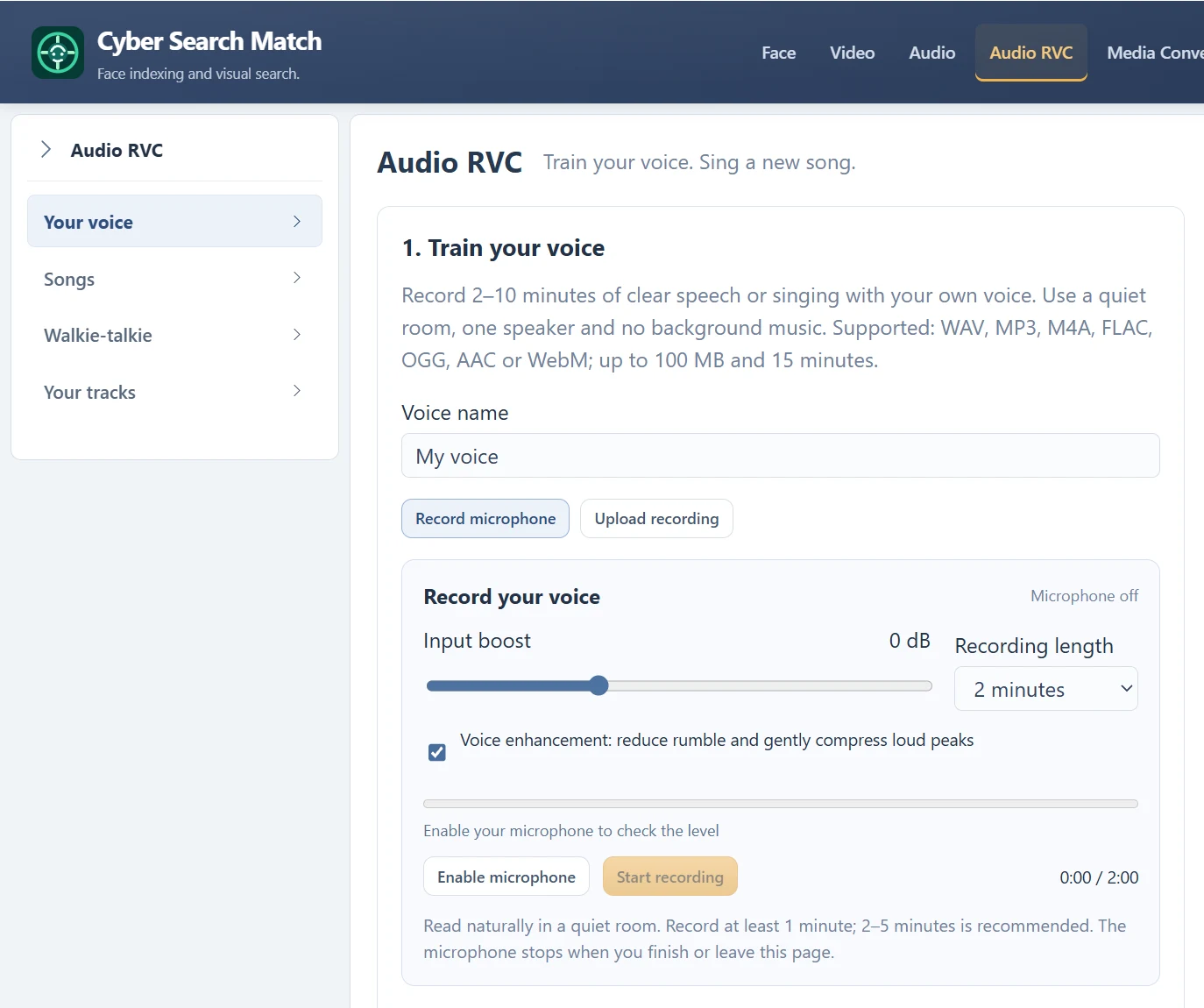
Microphone Input boost belongs to preparing a training recording; it affects the selected processed sample. It does not set how loud the converted vocal will be in a song. Training loudness and final mix balance are different stages.
The final mix combines converted singing with the instrumental using a fixed processing chain. Each audio player’s volume controls local playback only. Turning down Instrumental in its own player does not create a new Final mix.
| Setting or action | Changes saved output? |
|---|---|
| Recorder Input boost | Changes the processed training WAV. |
| Final mix player volume | No; changes listening volume. |
| Separated stem player volume | No; does not rebalance the mix. |
| Independent cover remix sliders | Not available in the current voice workspace. |
Check the source before changing the plan.
If the voice seems masked, listen to the separated original vocal for leakage, distortion or weak singing. Compare the same passage in the final mix at a comfortable volume. A model trained on very different material can also change clarity and perceived balance.
There are no exposed vocal gain, instrumental gain, pitch-shift or advanced conversion sliders in the current cover form. Changing the source, improving the own-voice sample or using a clearer recording are the available preparation choices.
Keep the useful files for your next step.
Download Final mix for the completed song, or the original separated stems if you need to inspect the source parts elsewhere. These stem downloads do not include a solo converted vocal. An external audio editor can adjust files you possess, subject to your usage rights.
For a format change or overall audio gain, Media Converter is a separate tool. Changing the overall level of a mixed file changes both voice and backing together; it does not give independent control over parts already mixed into that file.
Questions about this workflow
Can I save a new mix by moving two player volumes?
No. Those controls affect playback, not a rendered download. The current song job produces one mix using the fixed chain.
Continue with the next useful step
Microphone Gain: Boost Your Voice Without Clipping
Use the input meter, −12 to +24 dB boost and original/processed playback to prepare a clean voice recording.
Separated Vocals and Instrumental: Read the Song Outputs
Understand the final mix, original vocal stem and instrumental stem produced by a completed song conversion.
How to Record a Useful Voice Model Sample
Prepare a clean own-voice recording: duration, room, microphone distance, speech and singing before training.