
Video Analysis File Formats and Upload Requirements
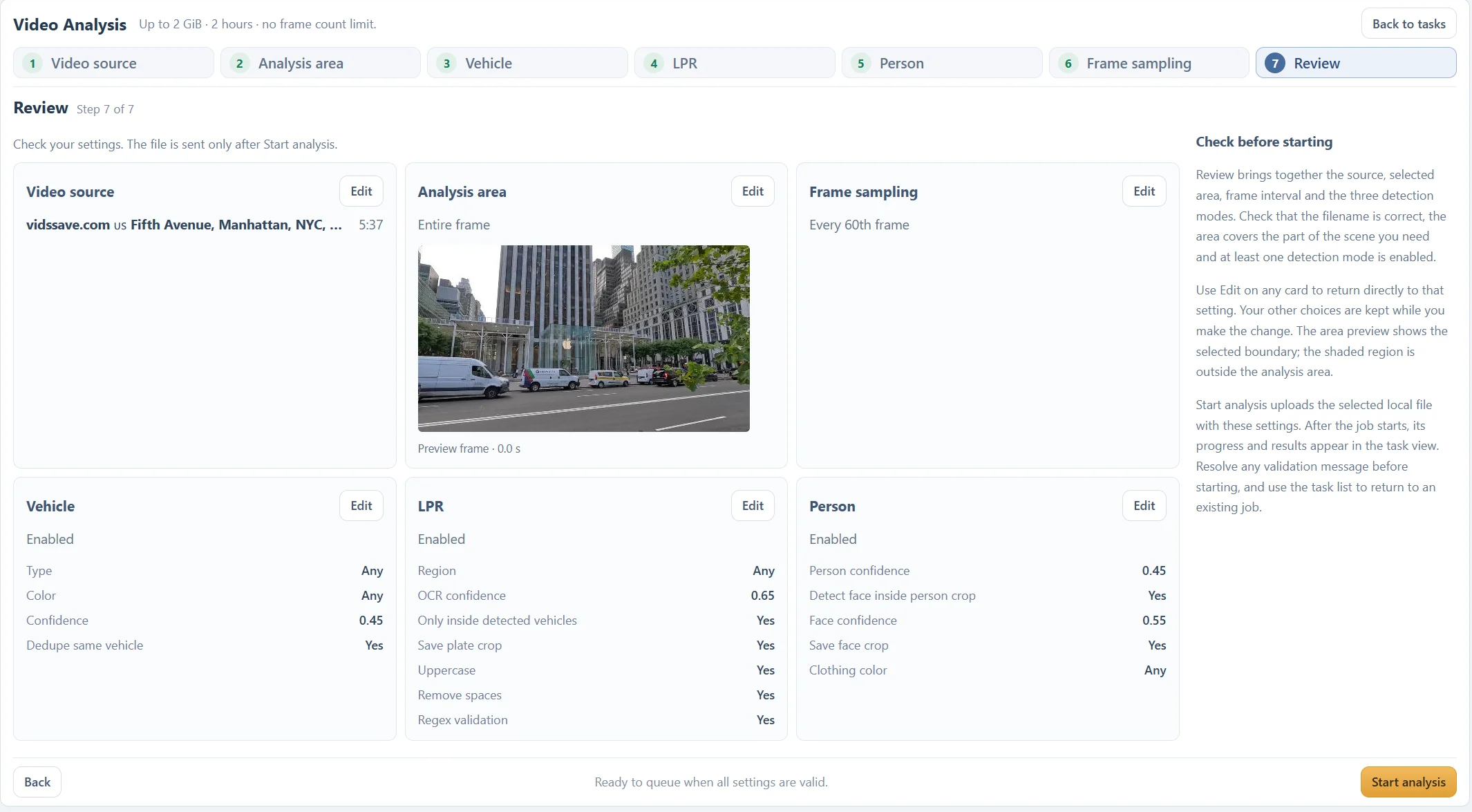
Check size, duration, containers, codecs and browser previews before submitting a video. Keep the original when preparing a compatible copy.
Updated · Cyber Search MatchUse a decodable video file within the current 2 GiB and two-hour source limits. A filename extension alone does not guarantee support: the browser preview and server decoder must handle the actual streams. MP4 with H.264 is a practical compatibility starting point.
The container is not the video codec.
MP4, MOV, MKV, AVI and WebM are container names, not guarantees about the streams inside them. An MP4 can contain a codec your browser does not play. Renaming a file extension does not convert that codec or repair a damaged recording.
The upload control accepts video files; the source must contain a readable video stream with valid duration and dimensions. The server probes the actual recording before processing. There is no promise that every file carrying one of these extensions will decode.
For an unusual camera export, try a short representative file first. Use Media Converter to create a compatible copy when needed, while preserving the original for evidence and comparison.
A browser preview is separate from analysis.
The source step attempts native browser playback. If that fails, the interface can prepare a short compatible muted preview. This is a viewing aid; the analysis still uses the original video.
Check orientation and the selected area in the preview. A short preview may need to be regenerated when you move the selected start to another part of the source. Wait for preparation or resolve its error before relying on the displayed image.
A successful preview does not prove that the entire original is free of damaged frames. Conversely, unsupported native browser playback does not automatically mean the server cannot decode the source.
Check the whole source before choosing a range.
The current source limits are 2 GiB and two hours. Selecting a shorter analysis range does not make an oversized original upload pass the source limit. Create a smaller local excerpt first if necessary.
For a first run, use a short sample that includes the movement, face or plate you need. Verify that frames decode, source times make sense and the selected modes find useful observations before submitting a long recording.
If the file is damaged, encrypted, incomplete or has no readable video stream, obtain a fresh export. Keep the full error message and basic codec information when contacting support; avoid sending unrelated private footage.
Questions about this workflow
Is every MP4 supported?
No. Container, codec, stream integrity and resource limits all matter. A readable H.264 MP4 is a useful starting point, but the file must still pass inspection.
Does a short selected range bypass upload limits?
No. The original uploaded source still has to meet the size and duration limits.
Continue with the next useful step
Troubleshoot Video Analysis: Uploads, Missing Results and Tracks
Work through source errors, empty reports, missing plates, fragmented tracks and processing delays with focused checks before rerunning a video.
Choose a Video Analysis Area of Interest
Use the entire frame, a rectangle or a polygon to focus a video task. Learn how fixed boundaries affect moving subjects and camera movement.